
Live TV
Browse and watch thousands of live television channels from multiple countries and categories.
Enjoy live TV, movies, series and entertainment through the CatchON TV app on compatible Android devices, Fire TV devices and more.
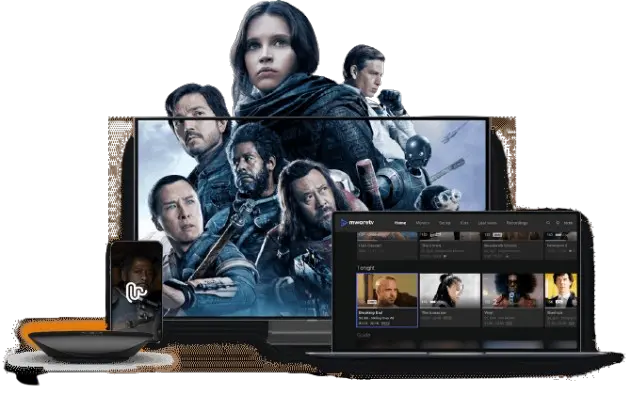
The CatchON TV app gives subscribers a convenient way to access their entertainment from supported streaming devices. Sign in using the credentials provided with your CatchON TV subscription and start watching.
Browse and watch thousands of live television channels from multiple countries and categories.
Access a large selection of on-demand movies and television series directly from the app.
A straightforward interface makes it easy to navigate channels and entertainment.
Find channels, movies and other content without browsing through long lists.
Keep frequently watched channels and content easier to access.
Explore entertainment and television channels from different regions around the world.
CatchON TV can be used with a range of compatible streaming devices and IPTV applications.
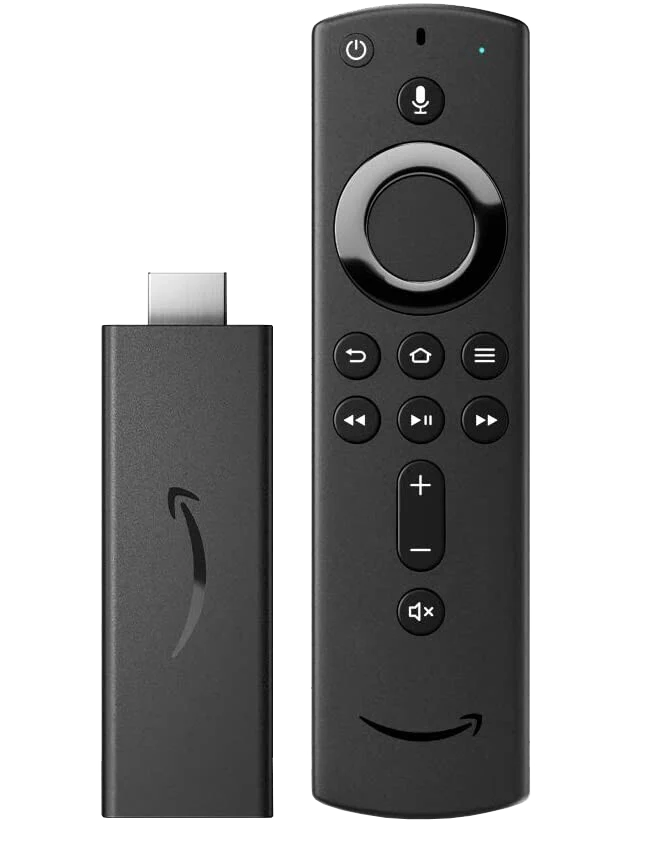
Fire TV Stick and compatible Fire TV devices.
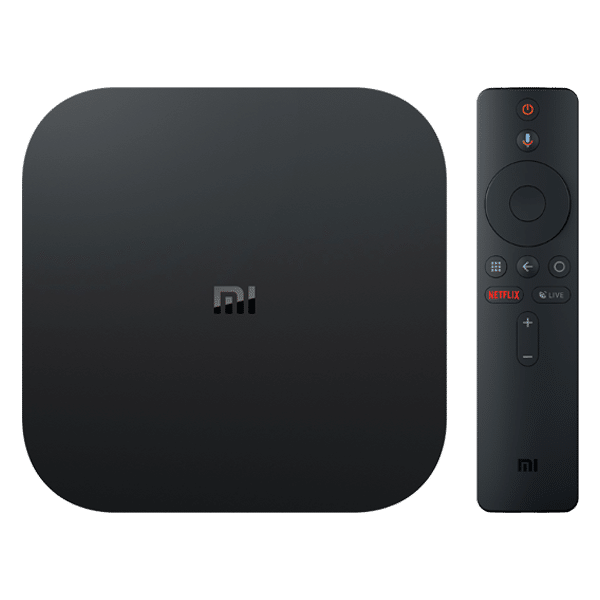
Android TV, Android boxes and compatible devices.
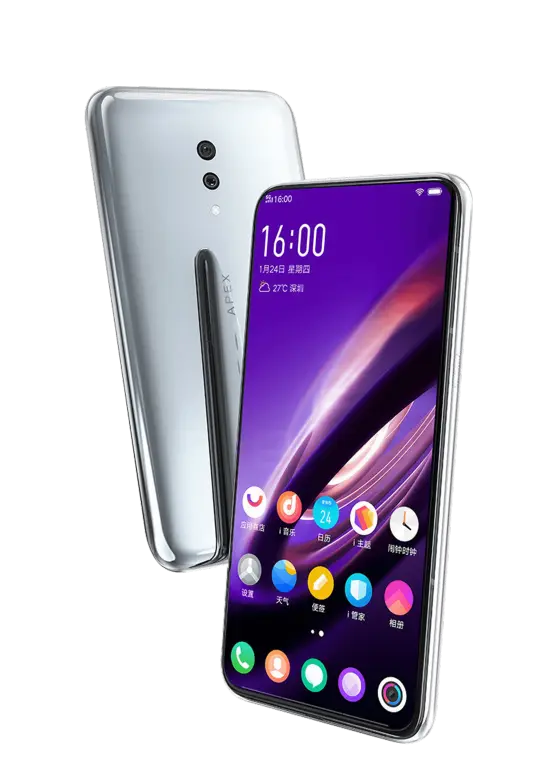
Compatible Android phones and tablets.
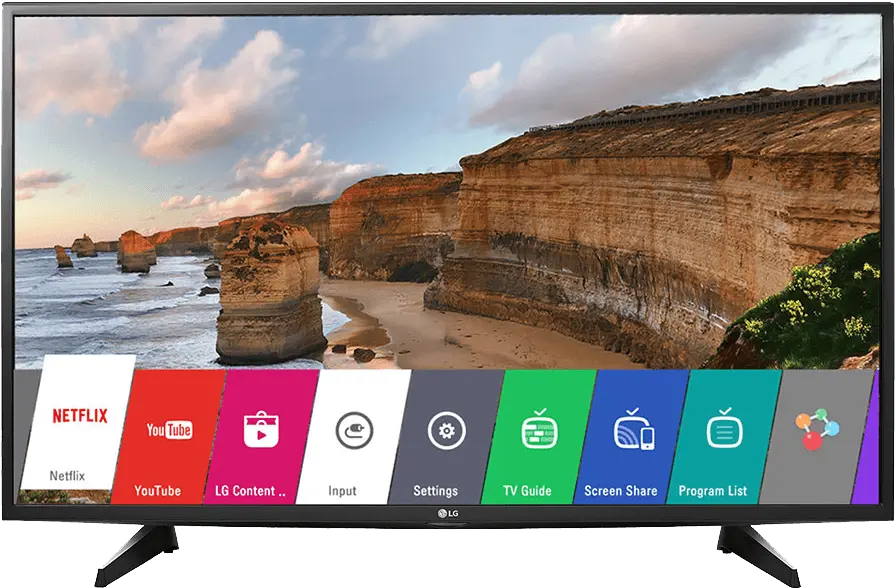
Use compatible IPTV applications on supported TVs.
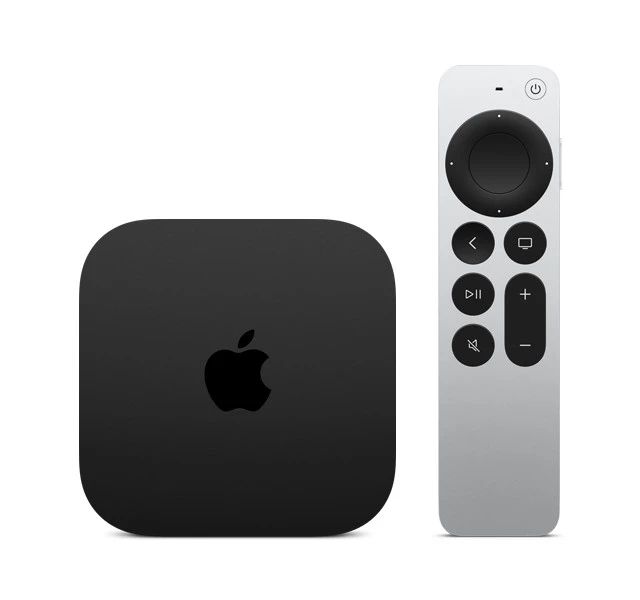
Compatible IPTV players are available for Apple devices.
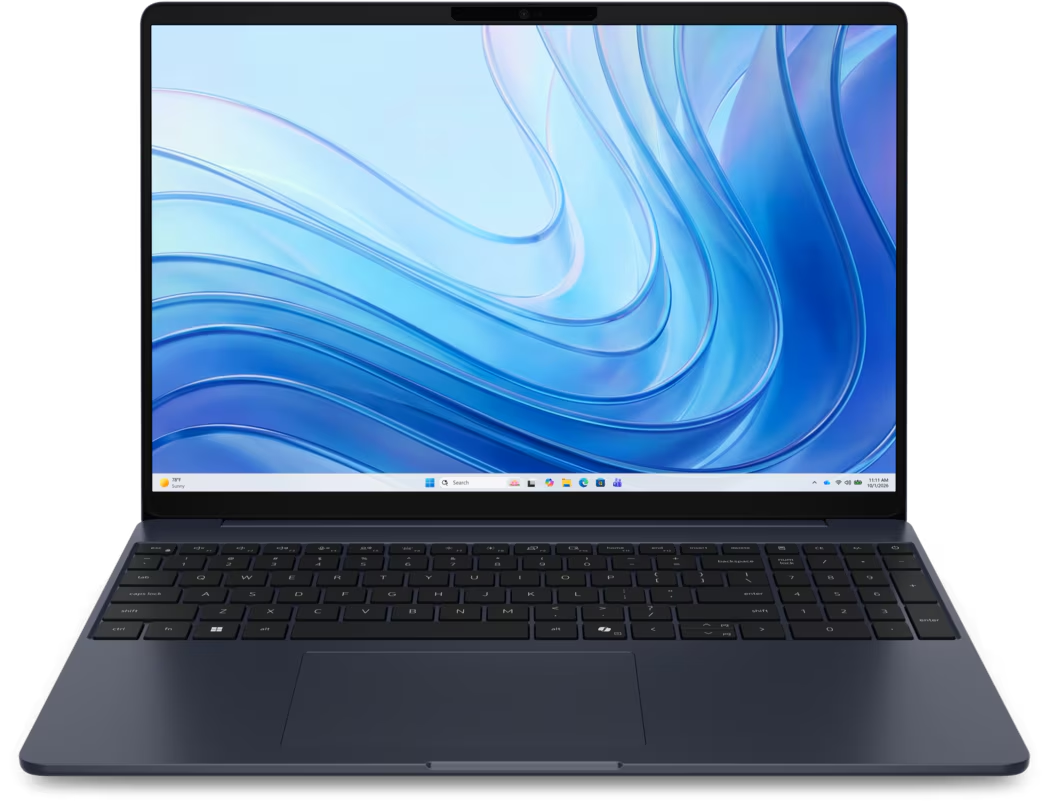
Watch using compatible software on desktop devices.
CatchON TV can also be used with popular compatible IPTV players when you prefer your own viewing app.




The CatchON TV app provides a simple way to access your subscription without repeatedly entering server information into third-party players.
Use the credentials provided with your subscription.
Easily browse live channels, movies and series.
Choose a subscription package based on the number of connections you need.
Install the app, enter your credentials and start watching.
Live television, sports, movies and series available through one convenient streaming experience.
Choose a PackageDownload and install the CatchON TV application on a compatible Android or Fire TV device.
You need an active CatchON TV subscription to use the service.
Choose the package and number of device connections that works best for you.
View Packages