
In this setup guide, you’re getting a complete, no-BS walkthrough — from zero setup to fully optimized streaming with CatchON TV using TiviMate.
By the end of this guide, your Firestick will be:
- faster
- cleaner
- and actually enjoyable to use
📦 What You Need Before You Start (Don’t Skip This)
Before we jump in, make sure you have:
- ✅ Amazon Firestick (plugged in and connected)
- ✅ Stable internet (WiFi or Ethernet)
- ✅ CatchON TV login details:
- Username
- Password
- Server URL
👉 If you’re missing your login details, check your order email first.
🧠 Quick Overview (What We’re About to Do)
Here’s the game plan:
- Enable hidden Firestick settings
- Install Downloader
- Install TiviMate
- Connect CatchON TV
- Optimize performance
- (Optional) Upgrade to Premium
👉 Total time: ~10–15 minutes
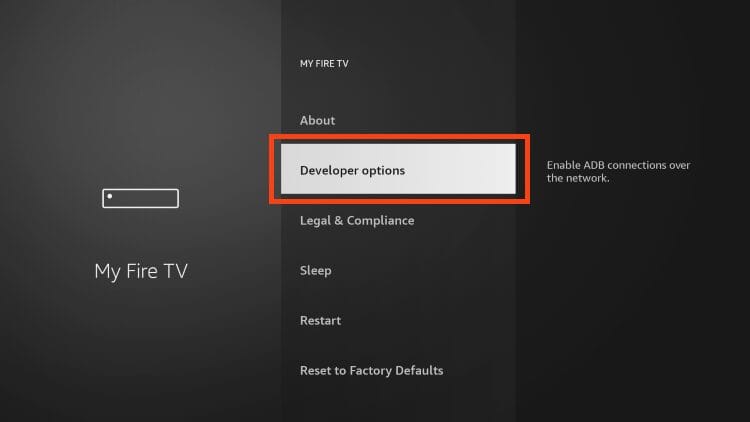
⚙️ Step 1: Enable Developer Options (Unlock Hidden Settings)
Amazon hides this like it’s top secret.
👉 Follow carefully:
- Go to Settings
- Select My Fire TV
- Click About
- Highlight Fire TV Stick
- Press the OK button 7 times
👉 You’ll see:
“You are now a developer”
Yes, just like that.
Now:
- Go back
- Open Developer Options
- Enable:
- ✅ Apps from Unknown Sources
- ✅ ADB Debugging
📥 Step 2: Install Downloader (Your Installation Tool)
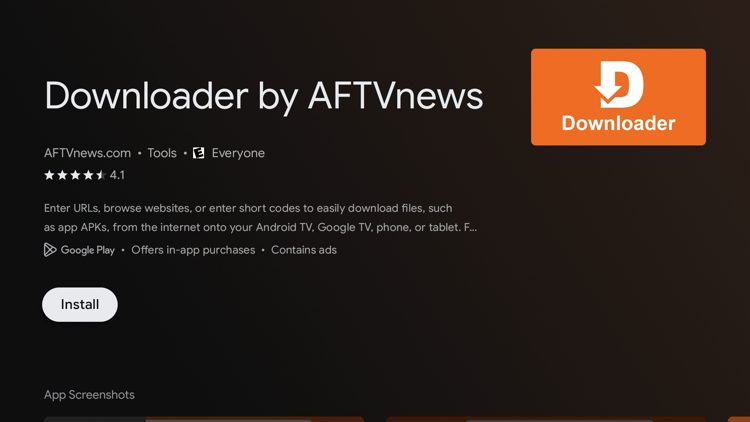
You need this to install TiviMate.
👉 Steps:
- Go to Find → Search
- Type: Downloader
- Install the app
- Open it
- Click Allow on permissions
👉 Without Downloader, you’re stuck. With it, everything becomes easy.
🚀 Step 3: Install TiviMate on Firestick
Now we install the app that makes everything work.
👉 Steps:
- Open Downloader
- Enter the TiviMate APK URL (from TiviMate official website). or enter downloader code: 272483
- Click Go
- Wait for download to complete
- Click Install
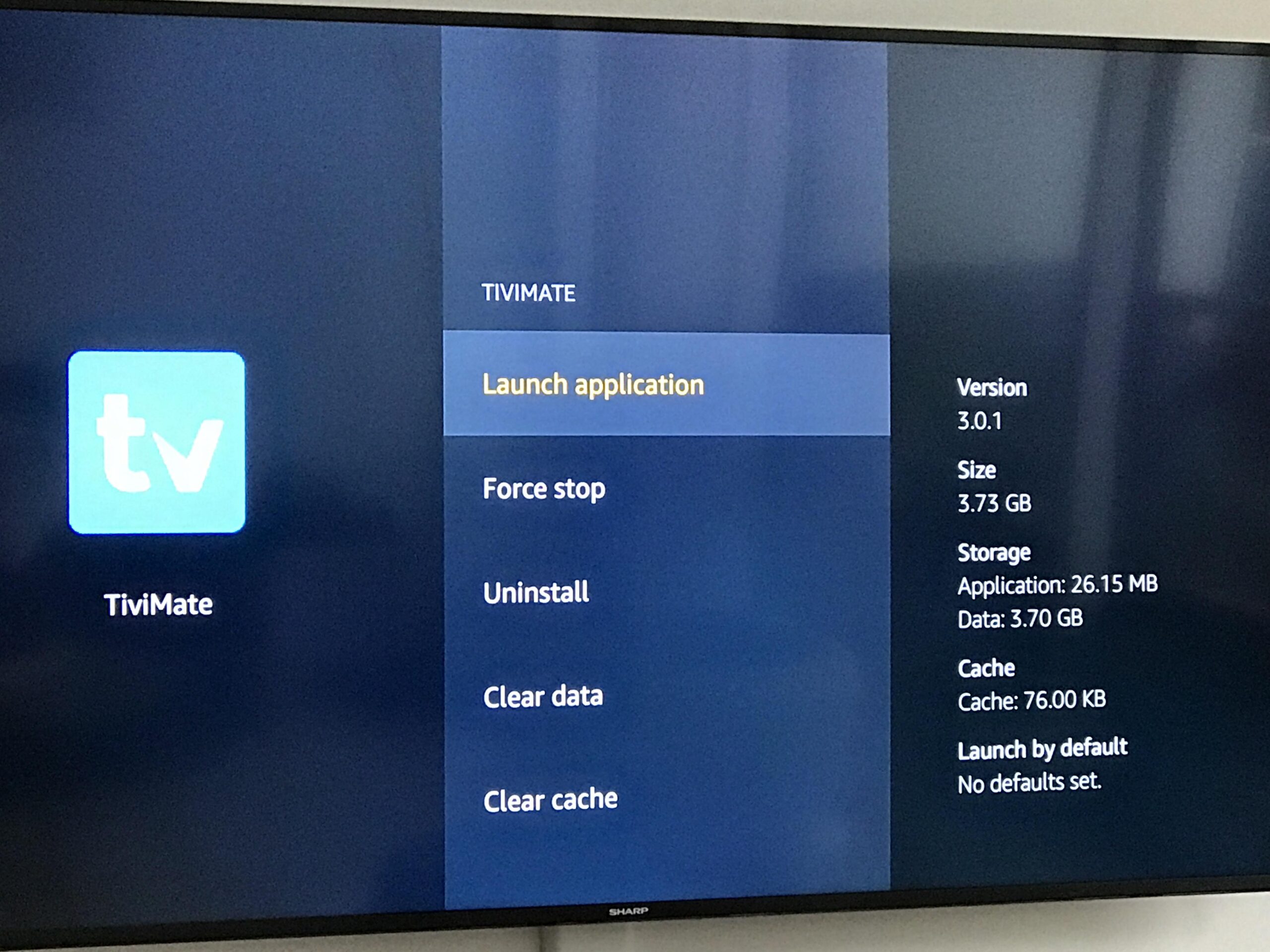
- Open TiviMate
💡 Pro Move:
After installation:
- Delete the APK file
👉 Saves storage (Firestick doesn’t have much)
🔐 Step 4: Add CatchON TV to TiviMate
This is where everything connects.
👉 Steps:
- Open TiviMate
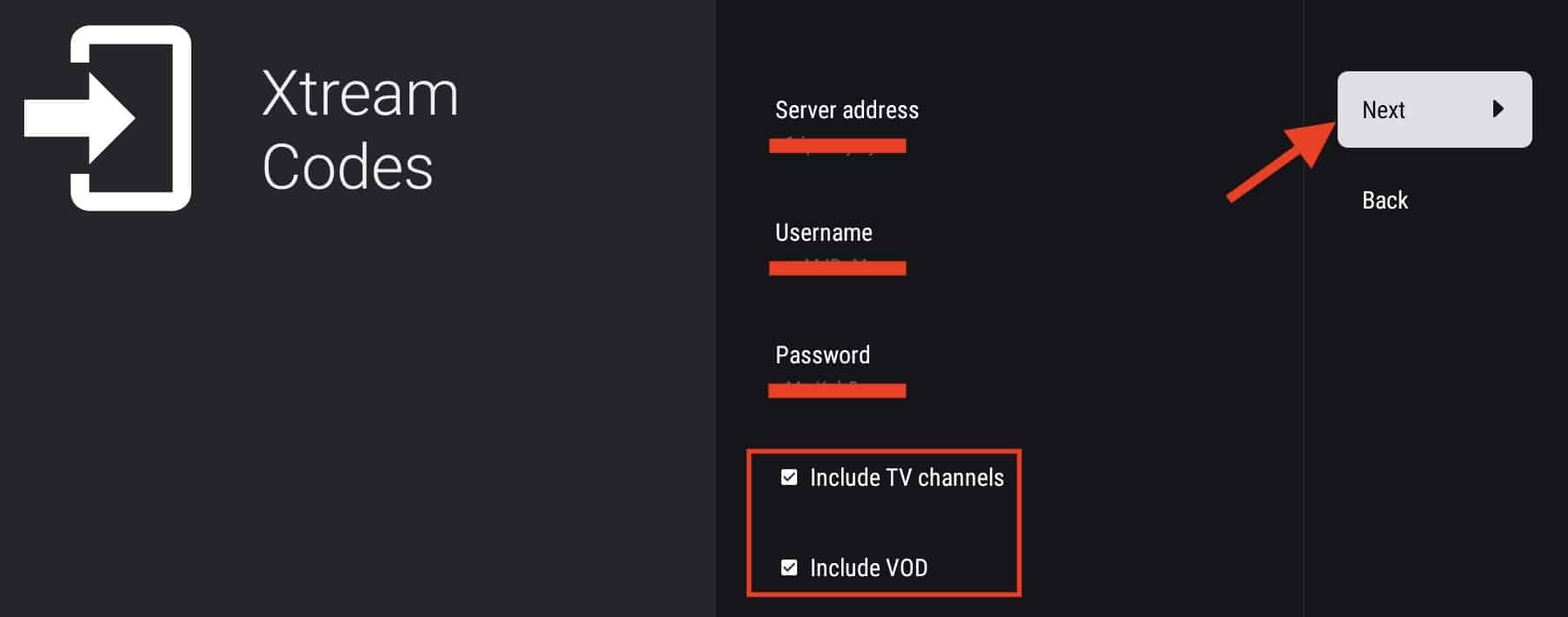
- Click Add Playlist
- Choose:
👉 Xtream Codes Login
👉 Enter your details:
- Username
- Password
- Server URL
- Click Next
- Click Done
📺 Step 5: Load Channels, Movies & Series
Now sit back for a second.
- Channels will load
- Movies & series will appear
👉 First load may take 30–60 seconds
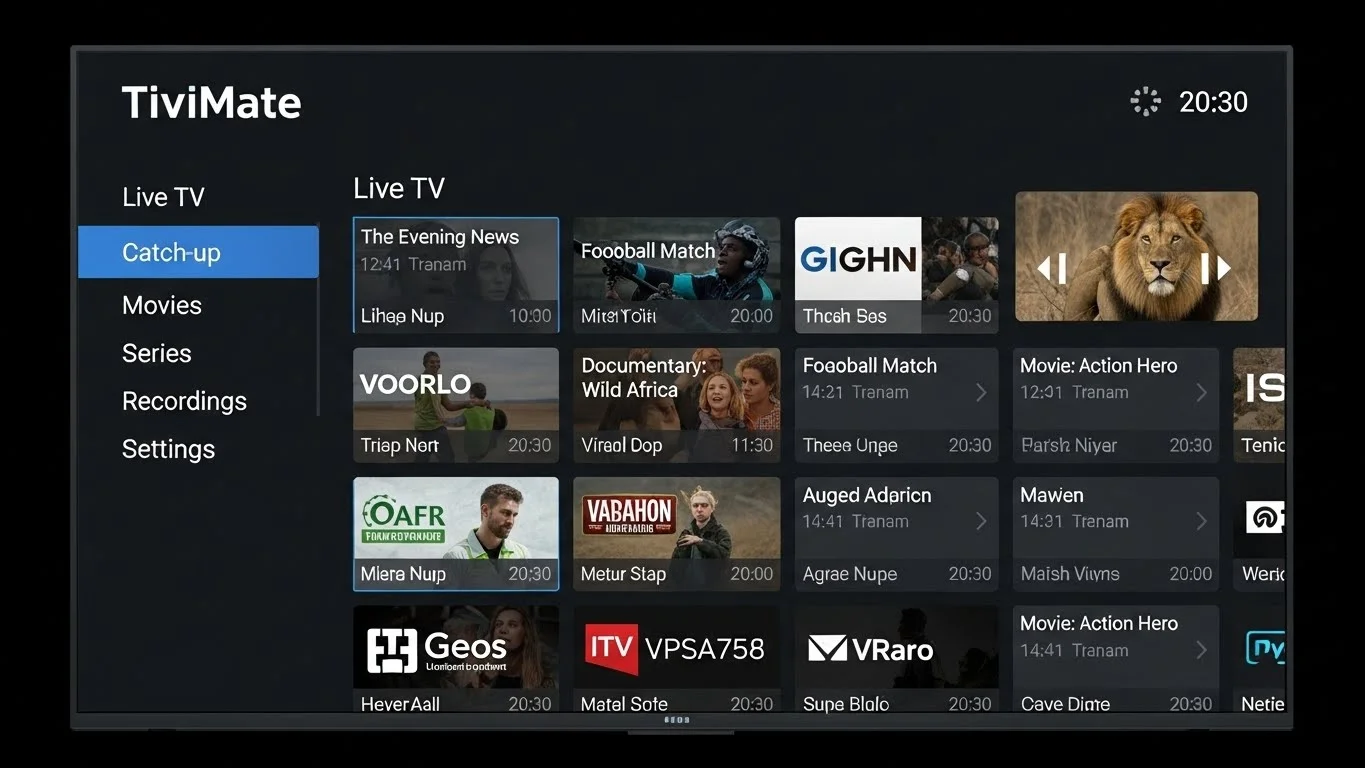
What you’ll see:
- 📡 Live TV
- 🎬 Movies
- 📺 Series
⚡ Performance Optimization (This Changes Everything)
Most people skip this… and then complain about buffering.
Don’t be that guy 😄
⚙️ 1. Enable Hardware Decoder
- Settings → Playback
- Turn ON Hardware Decoder
👉 Improves performance instantly
📡 2. Adjust Buffer Size
- If buffering happens:
👉 Increase buffer slightly
🧹 3. Close Background Apps
Firestick runs apps like it has 32GB RAM… it doesn’t.
👉 Use app: Background Apps & Process List
🗑️ 4. Clear Cache Regularly
- Settings → Applications → TiviMate
- Click Clear Cache
🔌 5. Use Ethernet (If Possible)
WiFi is fine…
👉 Ethernet = better stability
❄️ 6. Restart Weekly
Yes, still works.
⭐ TiviMate Free vs Premium (What’s the Difference?)
Let’s break it down simply.
🆓 Free Version:
- Basic streaming
- Single playlist
- Limited customization
💎 Premium Version:
- Multiple playlists
- Full EPG (TV guide)
- Recording
- Custom categories
- Better UI
👉 If you use CatchON TV daily:
Premium = worth it
⚠️ Common Mistakes (Avoid These)
❌ Typing login details wrong
👉 Copy & paste carefully
❌ Not enabling Developer Options
👉 You won’t install anything
❌ Using slow internet
👉 IPTV needs stable connection
❌ Installing random apps
👉 Keep Firestick clean
🧠 Advanced Tips (For Power Users)
🎯 Create Favorites
- Add your most-used channels
👉 Saves time
📺 Customize Layout
- Change view style
- Adjust categories
⏱️ Use Catch-Up (If Available)
- Watch missed content
🎮 Pair with Bluetooth Remote (Optional)
- Better control experience
🎯 Final Thoughts
You’re done.
You now have:
- TiviMate installed
- CatchON TV connected
- Firestick optimized
👉 In other words:
You’ve upgraded your entire streaming setup.
🙌 Need Help?
If something doesn’t work:
- Don’t panic
- Don’t throw the remote 😄
👉 Support is available 7 days a week
👉 And yes, we’ve seen every possible issue already
Check our other recommended apps for Firestick here.